









Library Self-service Suite

圖書館 Library Self-service Suite

The Library Self-service Suite brings together all facilities and tools that you can use independently, from borrowing and returning to printing, lockers and mobile self-checkout. These services help you complete simple tasks quickly without waiting at service counters.

圖書館自助服務專區匯集了各項可自行使用的設施和工具,包括流動自助借書、自助還書、列印、掃描、借用流動充電器,以及網上預訂設施。這些服務可協助你快速完成簡單事項,無需在服務櫃檯等候。

Borrowing and Returning Library Collections

借閱及歸還圖書館館藏

Mobile Self-Checkout Service

流動自助借書服務

The Mobile Self-Checkout Service enables users to borrow and renew library materials directly via their smartphones. Through the cloudCheck app, borrowers may access loan records, renew borrowed items, and place hold requests at any time and from any location.

Download the cloudCheck mobile App from the App Store (iOS) or Google Play (Android)

流動自助借書服務讓讀者可透過智能手機直接借閱及續借圖書館資料。透過 cloudCheck 應用程式,讀者可隨時隨地查閱借閱紀錄、續借已借出的資料,以及提出預約申請。

請於 App Store(iOS)Google Play(Android) 下載 cloudCheck 流動應用程式。

Self-check Kiosks

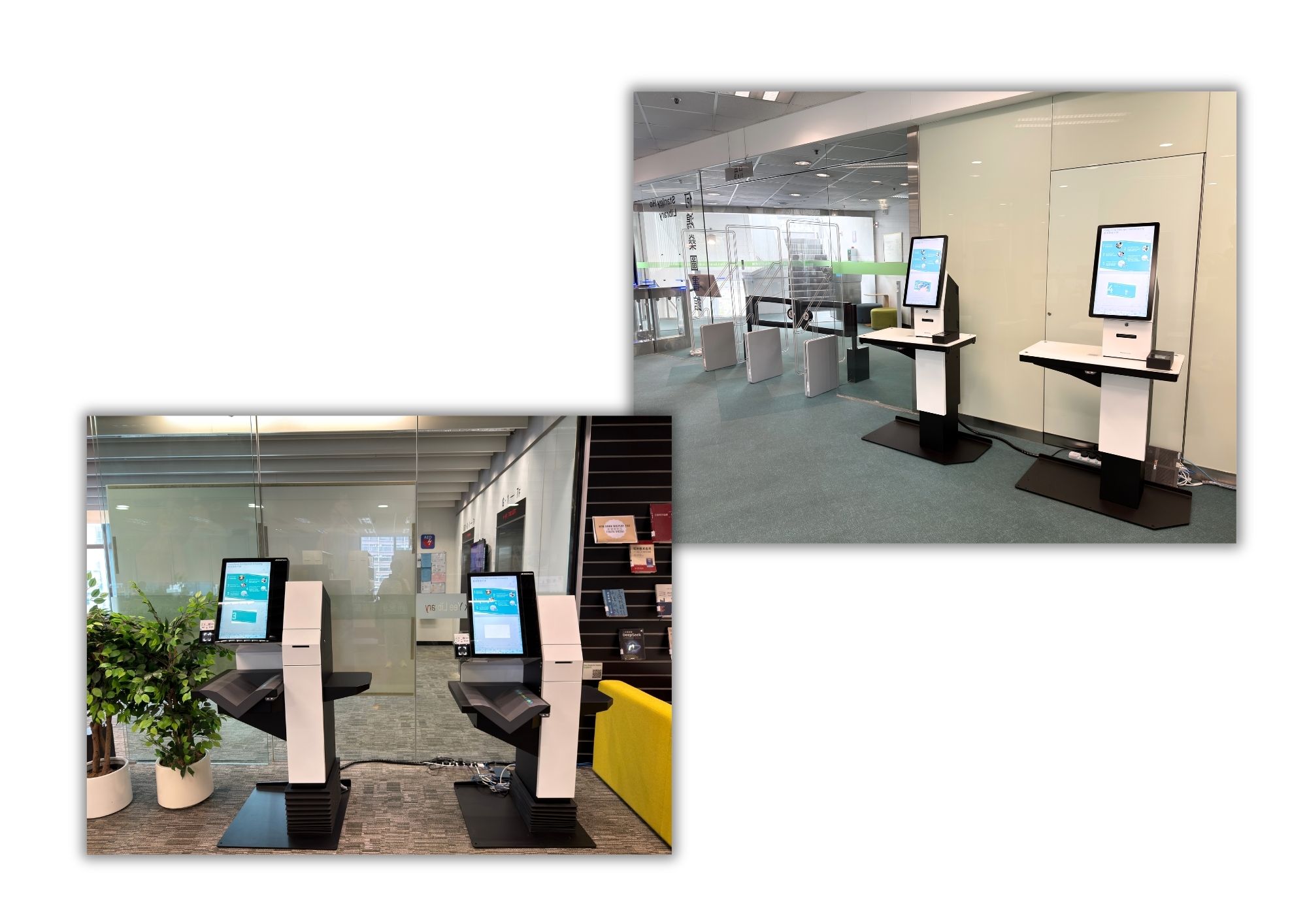
Self-check Kiosks are available in both campus libraries. Borrowers can use them to check out General Collection materials.


自助借還書機

兩所校園圖書館均設有自助借還書機,讀者可使用該設備借閱或歸還一般館藏資料。


Online Booking for Library Facilities

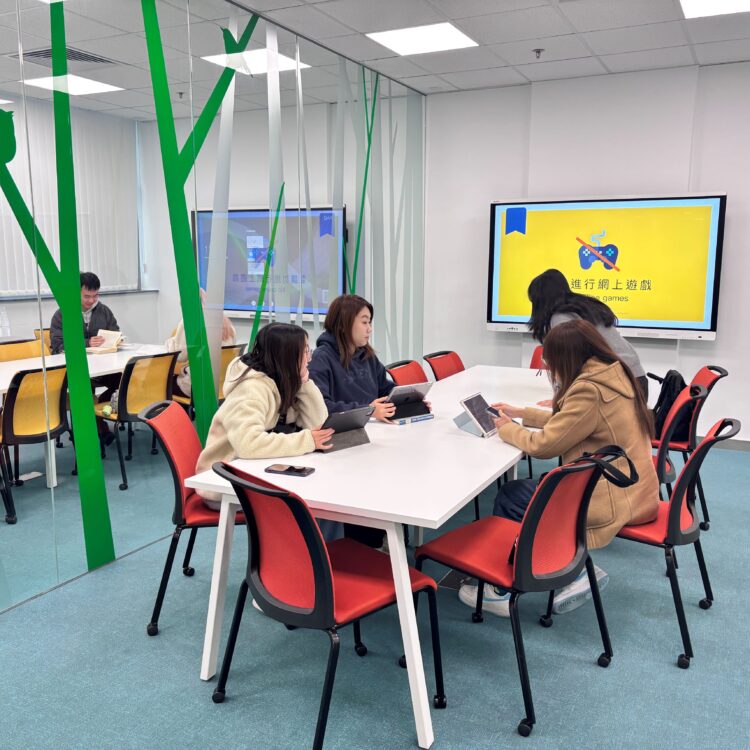
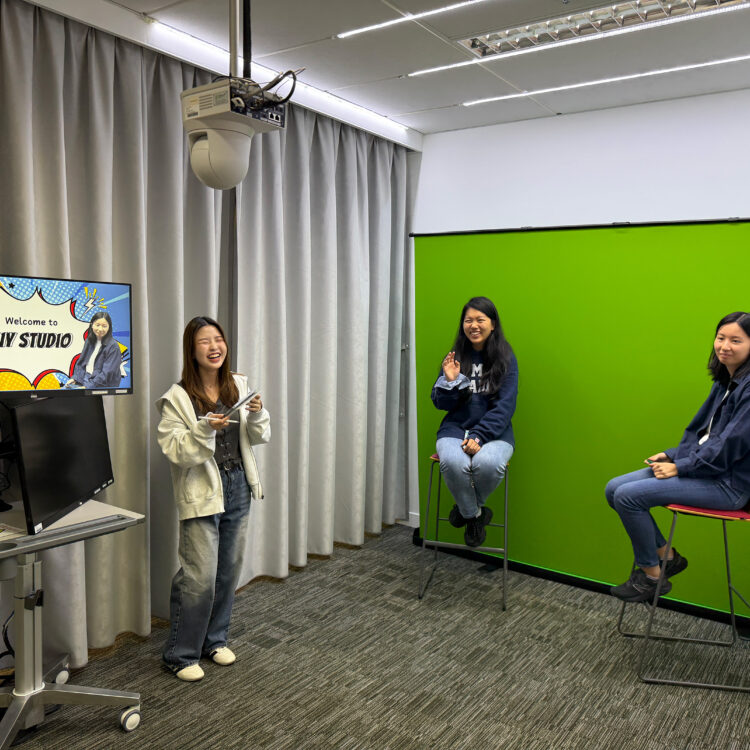
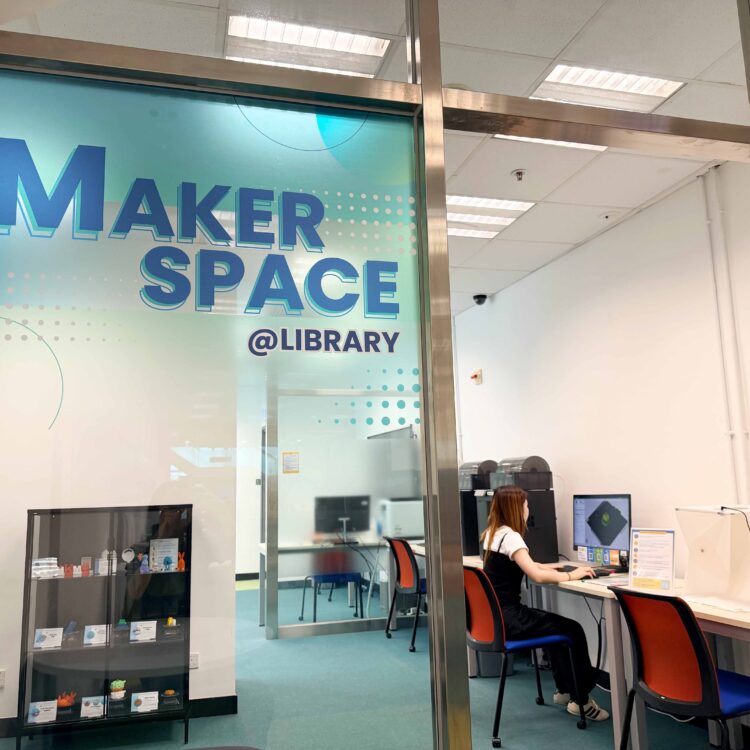
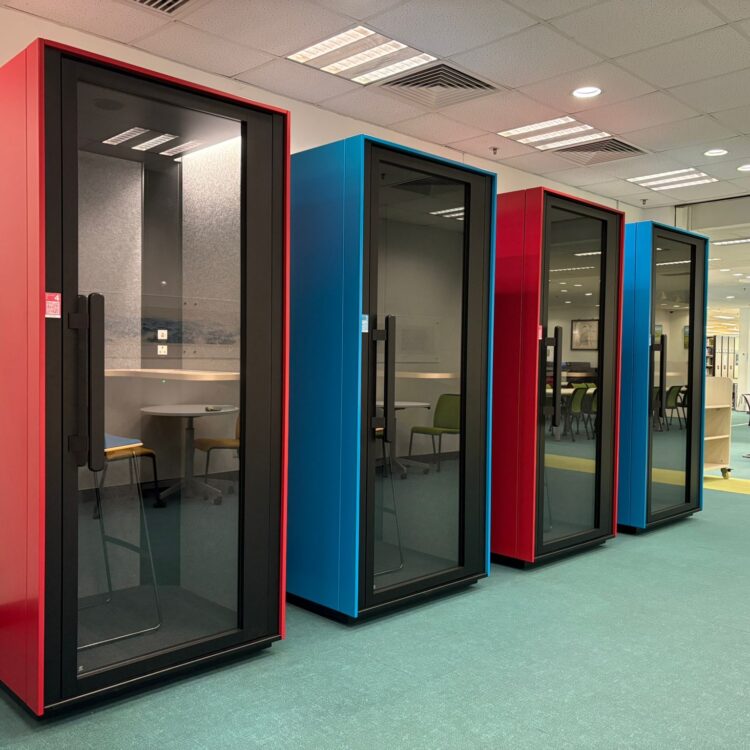
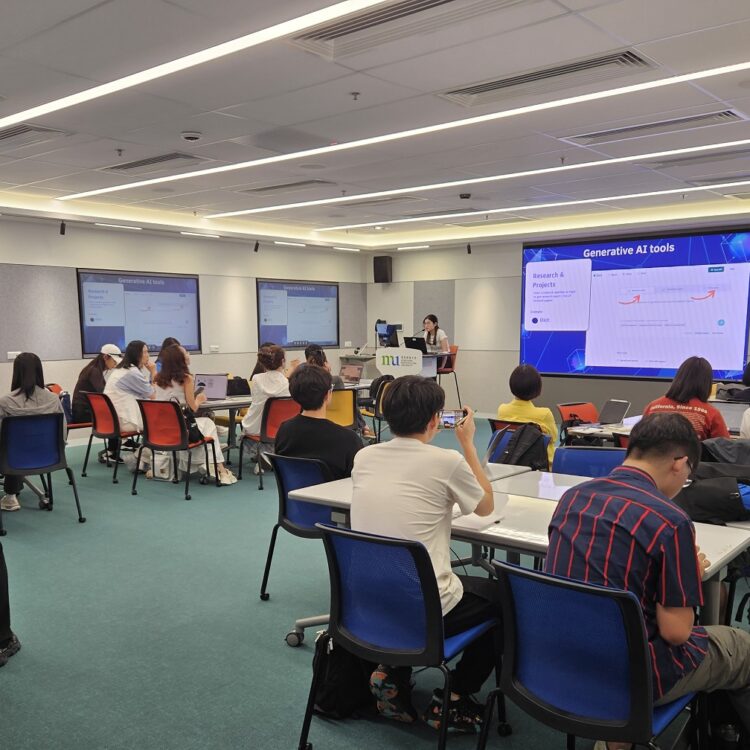
Library Users can reserve different library facilities, such as Group Study Rooms, DIY Studio, Makerspace@Library, Focus Booth, and Active Learning Space, via the Library Online Booking Service.

To know more about the details of different Library Facilities, visit Using the Library → Spaces for Different Needs, or have a Library Virtual Tour.

網上預約圖書館設施

圖書館使用者可透過圖書館網上預約服務預約不同設施,例如小組研習室、自助影音製作坊、創客坊@圖書館、專注亭及活動學習空間。

如欲了解不同圖書館設施的詳情,請瀏覽 使用圖書館 → 圖書館設施,或瀏覽 圖書館虛擬導賞

Self-service Library Facilities

Self-service Printing and Photocopying

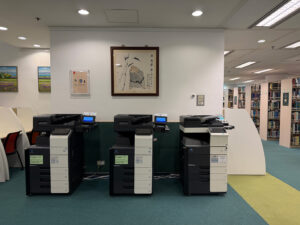
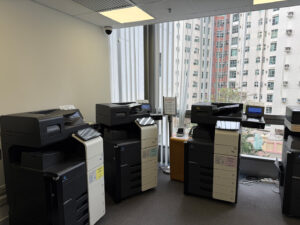
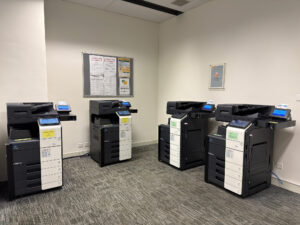
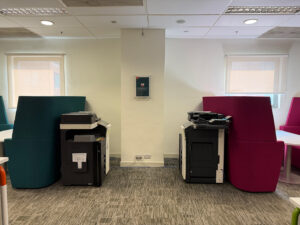
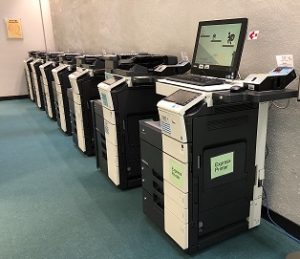
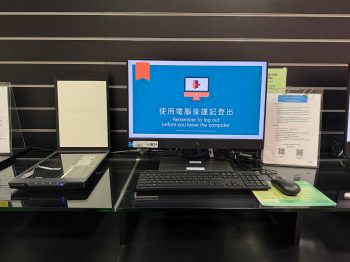
The campus libraries provide Octopus card operated photocopiers and printers for photocopying and printing. WeChat Pay and Alipay are also accepted at selected photocopiers and printers. Users can print documents using the network printers via the Internet workstations or connect their personal laptops to the network printers for wireless printing. For details, please refer to the User Guide: HKMU Wireless Printing on Campus. Additionally, an express printing station is available for users to print out documents from their storage devices without the need to log in.


Photocopying and Printing Area (HSYL)

Stanley Ho Library 
(Main Campus)

Ho Sik Yee Library 
(Jockey Club Campus)

Charges for Photocopying and Printing


Size
Black & White
(per page)
Colour
(per page)
A4
HK$0.2
HK$1
A3
HK$0.4
HK$2

If you need to borrow a physical Octopus Card, please visit our Service Counters. Please click here for details.

自助式圖書館設施

自助列印及影印服務

何鴻燊圖書館及何息夷圖書館均設有以八達通咭繳費的影印機和打印機。此外,部分影印機和列印機亦提供微信支付及支付寶付款系統。讀者可通過互聯網工作站列印或將個人手提電腦連接到打印機進行無線列印,詳情請參閱使用指南。此外,圖書館亦設有特快列印工作站,讀者無需登入系統,可直接將儲存裝置內的文件列印出來。


Photocopying and Printing Area (HSYL)

何鴻燊圖書館 
(主校園)

何息夷圖書館 
(賽馬會校園)

影印及列印的收費


尺吋
黑白 (每頁)
彩色 (每頁)
A4
HK$0.2
HK$1
A3
HK$0.4
HK$2

如需借用實體八達通卡,你可以到服務櫃檯向當值職員查詢。詳情請瀏覽圖書館網頁

Charges for Photocopying and Printing
Size
Black & White (per page)
Colour (per page)
A4
HK$0.2
HK$1
A3
HK$0.4
HK$2

If you need to borrow a physical Octopus Card, please visit our Service Counters. Please click here for details.

Self-service Scanning

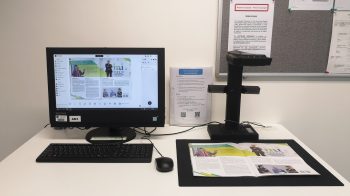
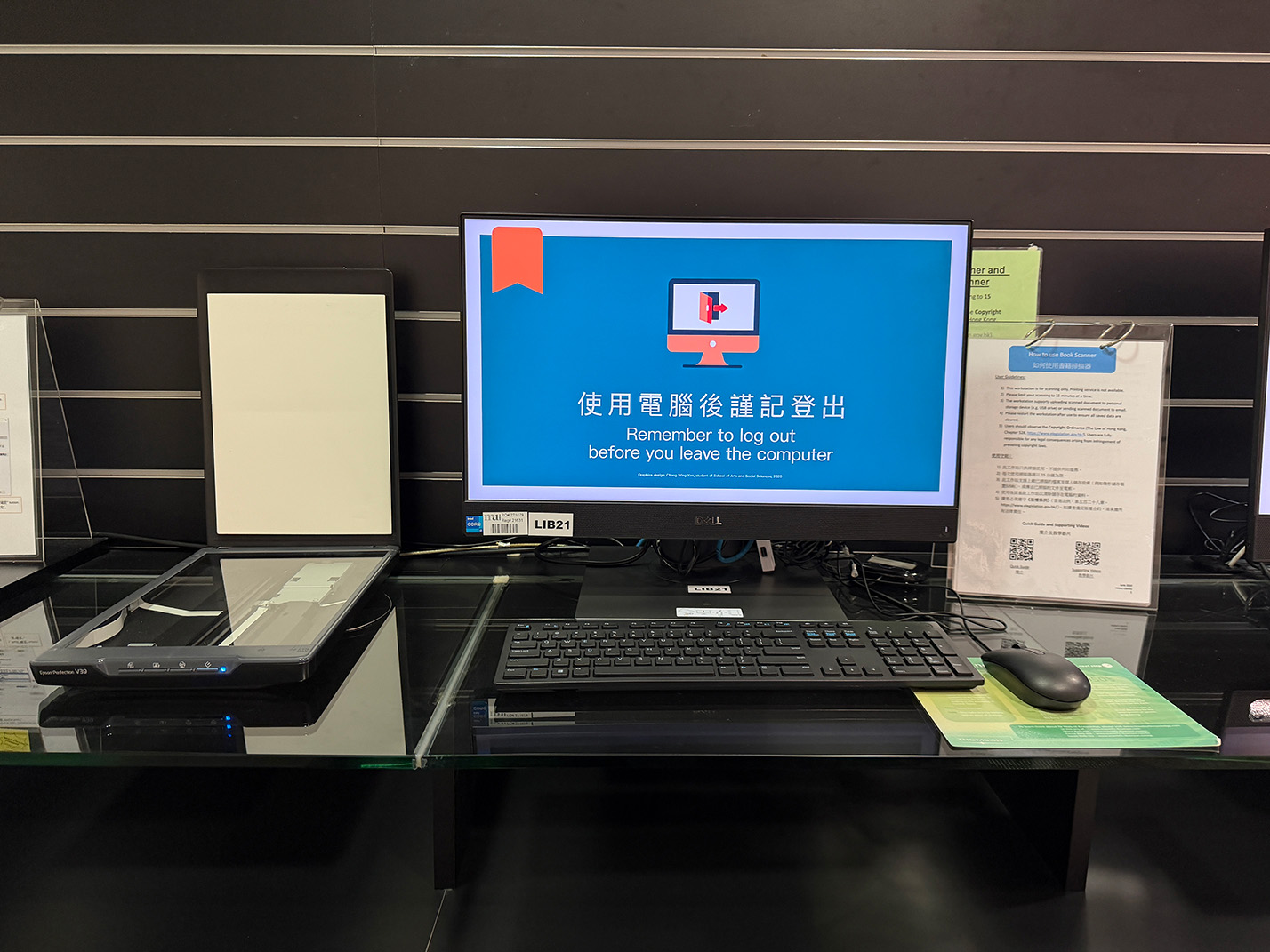
Book Scanners and Flatbed Scanners are provided in both campus libraries.  The book scanners have high scanning speed, the ability to recognize and correct for curved, incorrectly positioned, or soiled pages and the ability to quickly and easily convert scanned pages to more useful formats (PDF, searchable PDF, TIFF, or text documents, etc.).

Photocopiers
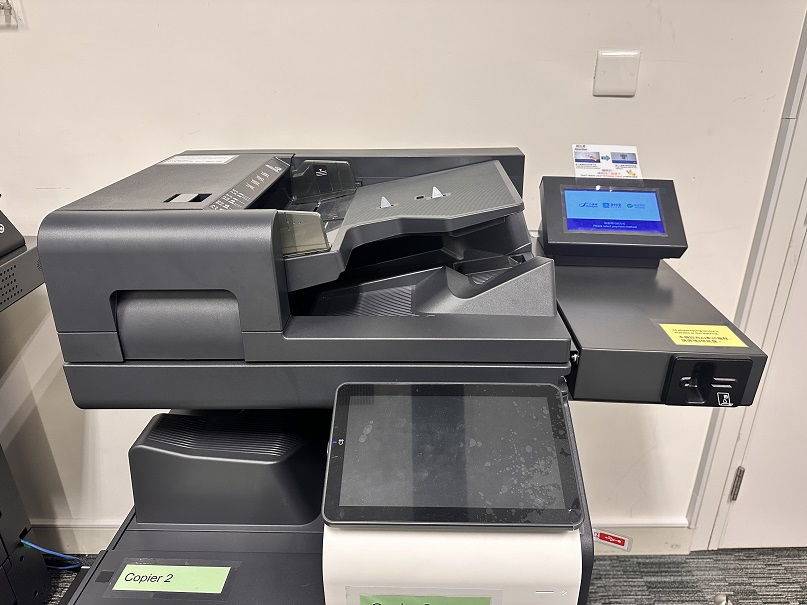
In addition to the scanning services above, “Scan-to-email” and “Scan-to-USB” functions have been enabled in all photocopiers in both campus libraries. 

If you choose to send the scanned documents to your HKMU email or other email account(s), it is recommended to limit the file size to 20MB per file (i.e. scanning no more than 100 sheets of A4 papers in B/W 200dpi or no more than 30 sheets of A4 papers in Colour 200dpi per time).

If you choose to send the scanned documents to your USB, please note that:

  • The USB memory is formatted in FAT32 format. NTFS and exFAT are not supported.
  • No security functions such as encryption and password lock have been added.
  • It is suggested using USB Type-A flash memory as the storage device. Other types of USB flash memory are not supported.
**Users are reminded to observe the Copyright Ordinance (The Laws of Hong Kong, Chapter 528, https://www.elegislation.gov.hk/)**

Photocopiers
In addition to the scanning services above, “Scan-to-email” and “Scan-to-USB” functions have been enabled in all photocopiers in both campus libraries. 

If you choose to send the scanned documents to your HKMU email or other email account(s), it is recommended to limit the file size to 20MB per file (i.e. scanning no more than 100 sheets of A4 papers in B/W 200dpi or no more than 30 sheets of A4 papers in Colour 200dpi per time).

If you choose to send the scanned documents to your USB, please note that:

  • The USB memory is formatted in FAT32 format. NTFS and exFAT are not supported.
  • No security functions such as encryption and password lock have been added.
  • It is suggested using USB Type-A flash memory as the storage device. Other types of USB flash memory are not supported.

**Users are reminded to observe the Copyright Ordinance (The Laws of Hong Kong, Chapter 528, https://www.elegislation.gov.hk/)**

自助掃描服務

兩間校園圖書館書均提供書籍掃瞄器予讀者使用。書籍掃瞄器具備高速掃瞄速度,自動糾正曲面及裁邊。讀者可將掃瞄檔案轉換至不同格式,如PDF、具即時搜尋功能的PDF、TIFF 或純文字檔案等。

影印機
除了以上掃瞄服務外,兩間校園圖書館內所有影印機亦提供掃瞄器供讀者使用。

如要掃瞄文件並傳送到你的大學或其他電郵地址,我們建議每個檔案大小上限為20MB (即以黑白200dpi掃瞄,每次不超過100張A4紙;以彩色200dpi掃瞄,每次不超過30張A4紙)。

如要直接儲存掃瞄檔案至微型儲存裝置 (USB),請留意:

  • USB記憶作業格式為FAT32。 NTFS及exFAT並不支援。
  • 沒有加裝防盜功能,如加密及密碼鎖等。
  • 建議使用USB Type-A快閃記憶體為儲存裝置。其他USB快閃記憶體並不支援。

**讀者必須遵守版權條例(香港法例第528章版權條例(https://www.elegislation.gov.hk/))**

Photocopiers
In addition to the scanning services above, “Scan-to-email” and “Scan-to-USB” functions have been enabled in all photocopiers in both campus libraries. 

If you choose to send the scanned documents to your HKMU email or other email account(s), it is recommended to limit the file size to 20MB per file (i.e. scanning no more than 100 sheets of A4 papers in B/W 200dpi or no more than 30 sheets of A4 papers in Colour 200dpi per time).

If you choose to send the scanned documents to your USB, please note that:

  • The USB memory is formatted in FAT32 format. NTFS and exFAT are not supported.
  • No security functions such as encryption and password lock have been added.
  • It is suggested using USB Type-A flash memory as the storage device. Other types of USB flash memory are not supported.

**Users are reminded to observe the Copyright Ordinance (The Laws of Hong Kong, Chapter 528, https://www.elegislation.gov.hk/)**

Book scanners
Book Scanners are provided in both campus libraries.  The book scanners have high scanning speed, the ability to recognize and correct for curved, incorrectly positioned, or soiled pages and the ability to quickly and easily convert scanned pages to more useful formats (PDF, searchable PDF, TIFF, or text documents, etc.).

Flatbed scanners
In addition to the scanning services above, flatbed scanners are also provided in the Library.

Photocopiers
“Scan-to-email” and “Scan-to-USB” functions have been enabled in all photocopiers in both campus libraries. 

If you choose to send the scanned documents to your HKMU email or other email account(s), it is recommended to limit the file size to 20MB per file (i.e. scanning no more than 100 sheets of A4 papers in B/W 200dpi or no more than 30 sheets of A4 papers in Colour 200dpi per time).

If you choose to send the scanned documents to your USB, please note that:

  • The USB memory is formatted in FAT32 format. NTFS and exFAT are not supported.
  • No security functions such as encryption and password lock have been added.
  • It is suggested using USB Type-A flash memory as the storage device. Other types of USB flash memory are not supported.

**Users are reminded to observe the Copyright Ordinance (The Laws of Hong Kong, Chapter 528, https://www.elegislation.gov.hk/)**

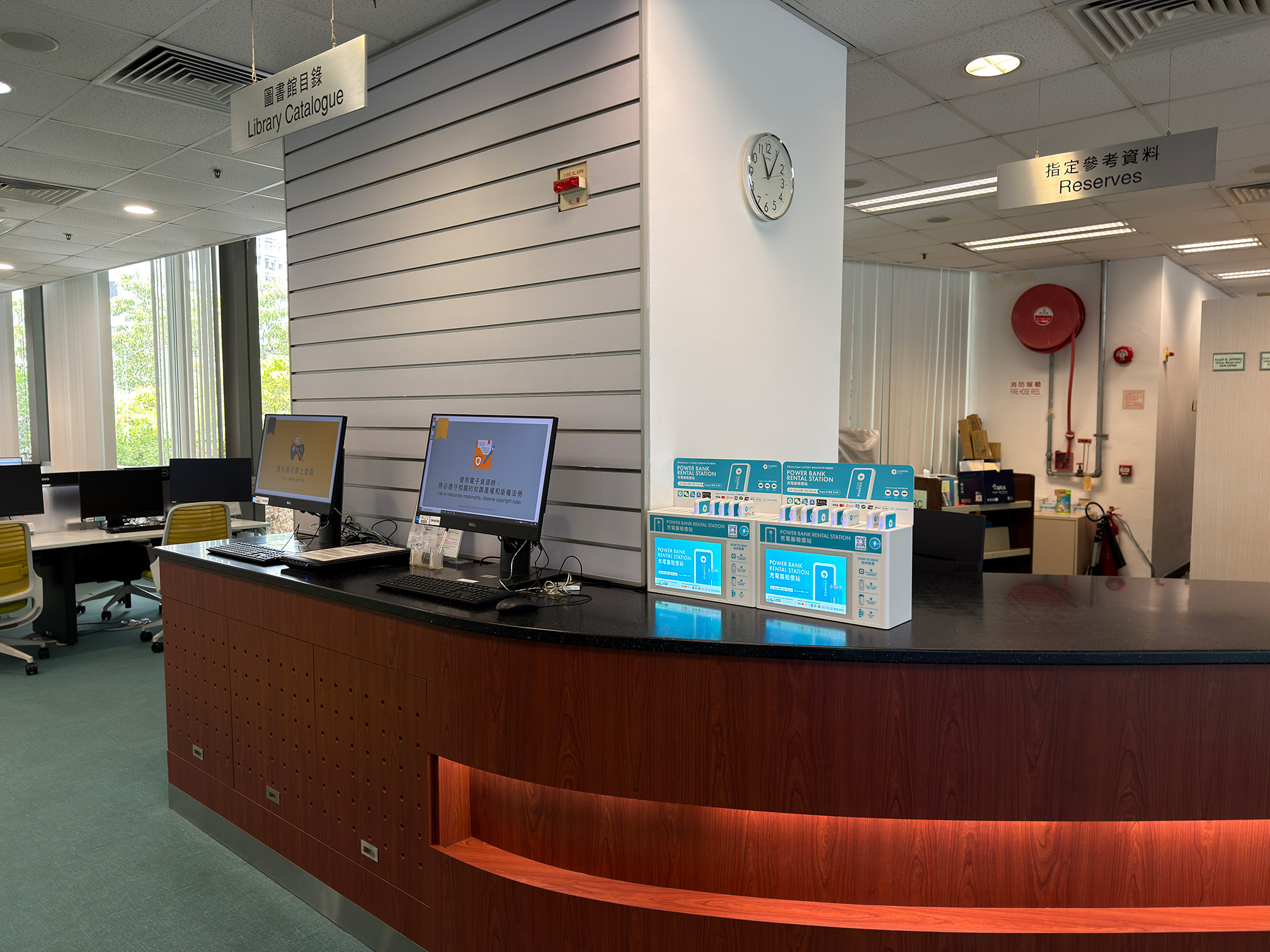
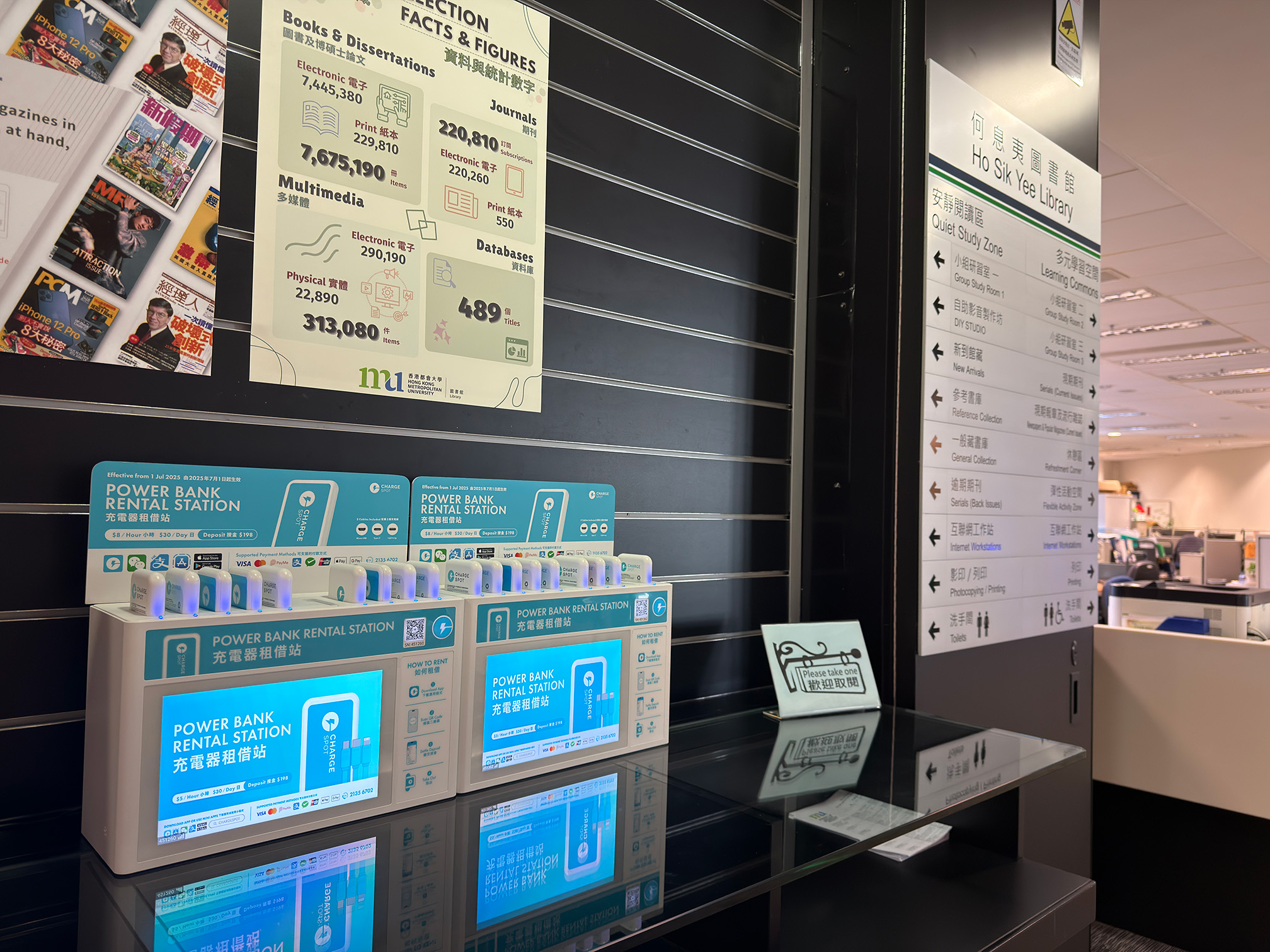
Power Bank Loan Service

Power Bank Loan Service is provided at the Stanley Ho Library, the Ho Sik Yee Library, and 1/F lobby of the Jockey Club Institute of Healthcare. This is a service jointly introduced by the Library, FFMO, and HKMUSU, and provided by ChargeSpot. To borrow the power banks, please download the ChargeSpot app from App Store/Google Play and create an account.

ChargeSpot Rental Station at Stanley Ho Library,
Main Campus

ChargeSpot Rental Station at Ho Sik Yee Library,
Jockey Club Campus

充電器借用服務

何鴻燊圖書館、何息夷圖書館、及賽馬會健康護理學院1樓大堂提供充電器借用服務。此服務由圖書館、財務及校園管理處及都會大學學生會合作推出,由服務商ChargeSpot供應。使用者需先從 App Store/Google Play 下載 ChargeSpot應用程式及開設個人帳戶。

正校園何鴻燊圖書館內的充電器租借站

賽馬會校園何息夷圖書館內的充電器租借站

Self-service UV Book Sterilizers

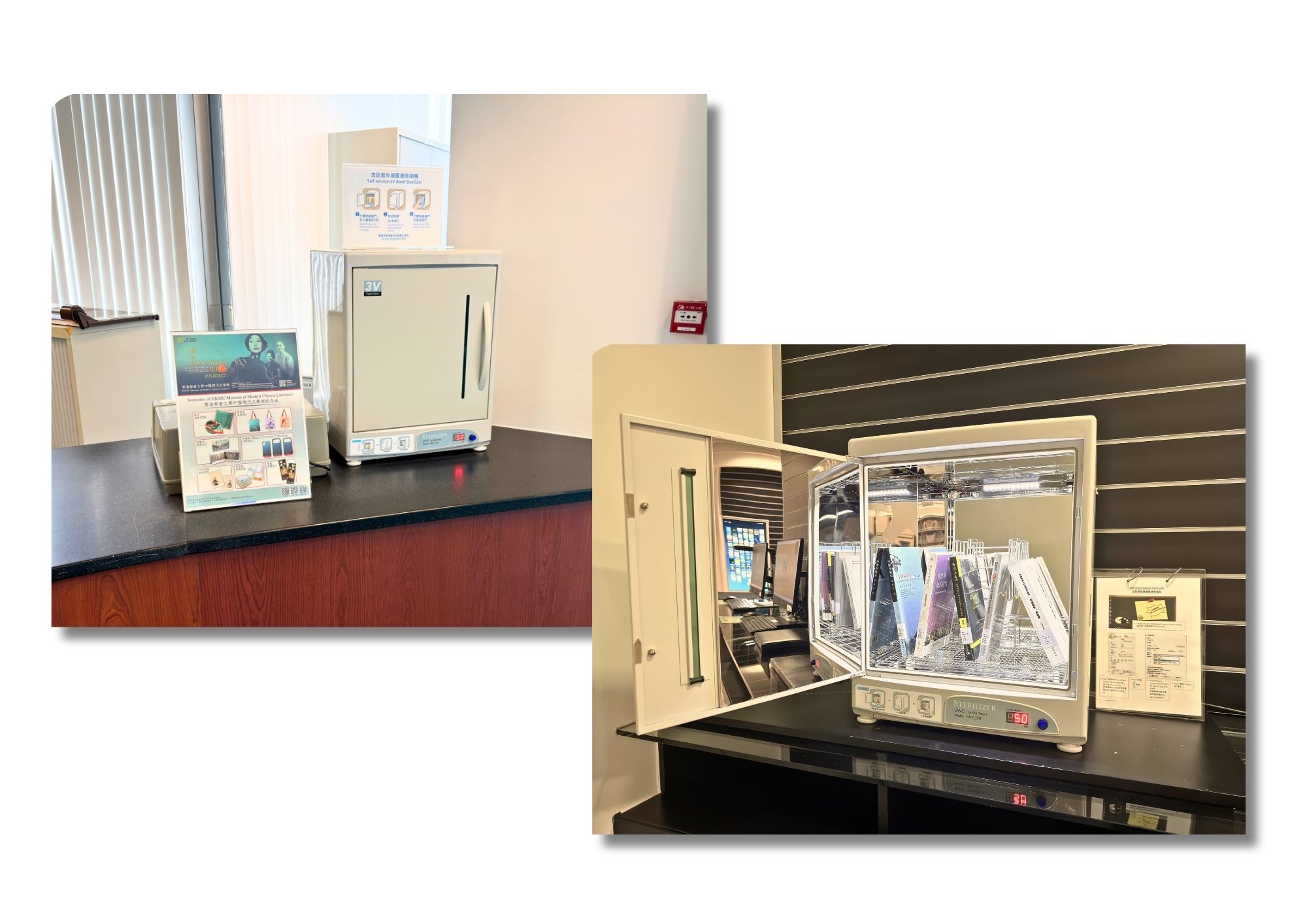
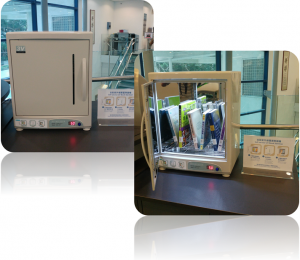
Self-service UV book sterilizers are available in the Stanley Ho Library (Level 2, MC) and the Ho Sik Yee Library (Level 5, JCC).  Users are welcome to use the devices to sterilize library books.  With simply one touch, up to 6 books can be sterilized each time.

自助紫外線圖書除菌機

何鴻燊圖書館(正校園二樓)及何息夷圖書館(賽馬會校園五樓)分別設有自助紫外線圖書除菌機,歡迎讀者使用為圖書除菌。只需一按,除菌機可每次處理最多六本書籍。