Copilot

About Copilot

Microsoft 365 Copilot is an AI-powered assistant designed to boost productivity across Microsoft 365. It helps you draft, summarize, analyze, and present information more efficiently in the apps you already use.

Key features:

  • Word: Create, summarize, and refine documents; convert text into structured formats (e.g., tables); and extract key points from long content.
  • PowerPoint: Create a presentation from an outline or document, generate speaker notes, condense decks, and refine layouts.
  • Excel: Summarize data, identify trends/correlations, suggest what-if scenarios, and support formula ideas.
  • Teams: Summarize meetings and chats, capture key decisions, and generate action items for follow-up.
  • Copilot Chat: Ask questions and work across information sources to support day-to-day tasks and decision-making.
  • Copilot Chat Notebooks: Organize relevant references for a task (e.g., files/notes/chats) and keep Copilot responses focused on the selected notebook content.
  • OneDrive: Support secure collaboration through sharing permissions (view/edit), managing access, and real-time co-authoring for Office documents stored in OneDrive/SharePoint.

For more information and updates, visit the ITO website or contact our support team.

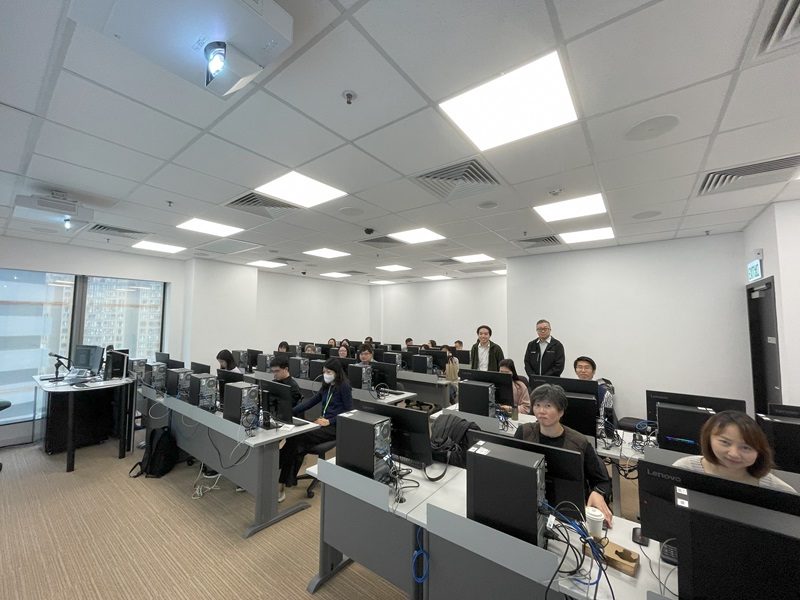
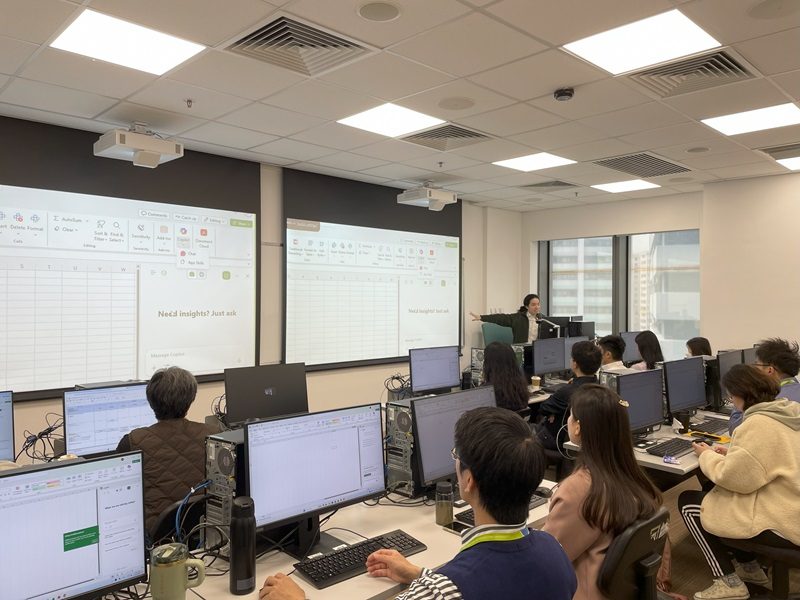
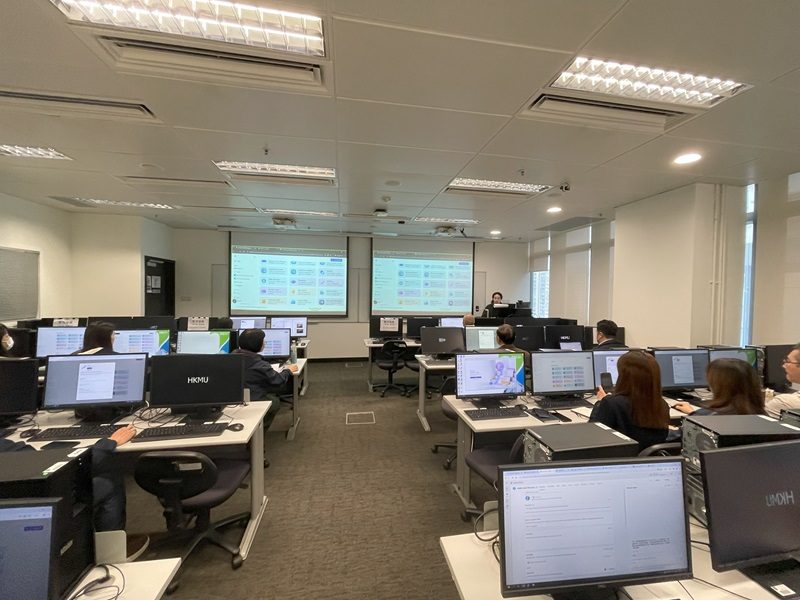
Past Training Workshops

DateTitle
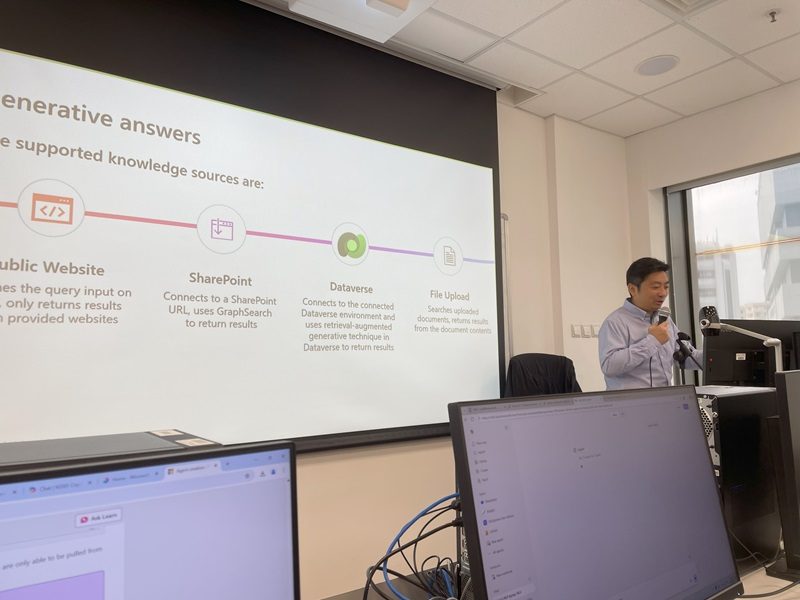
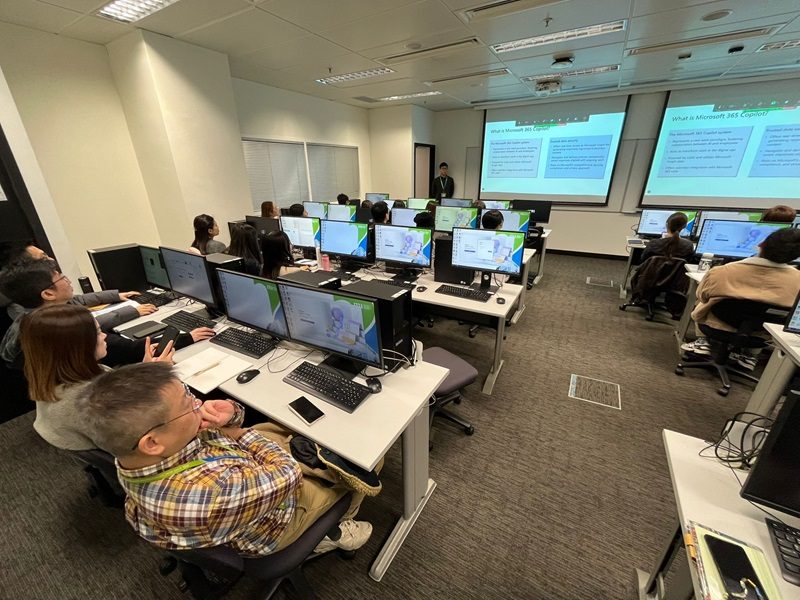
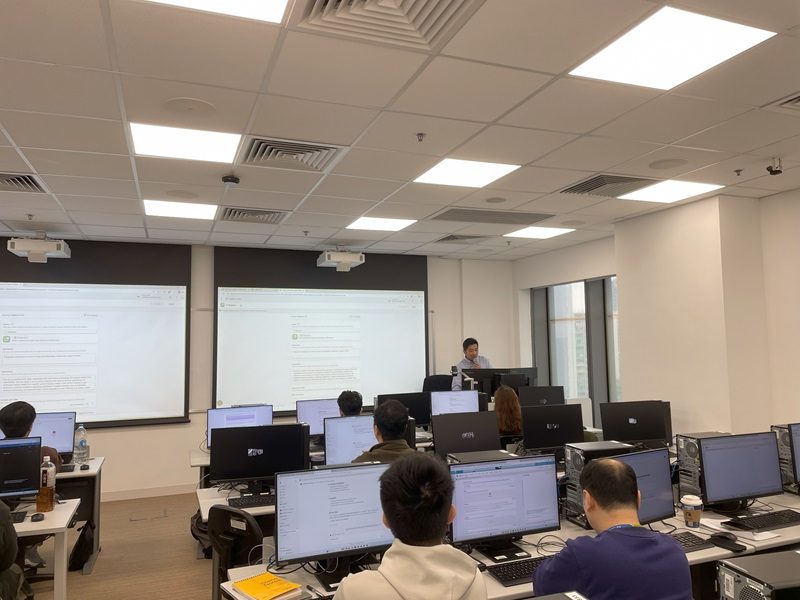
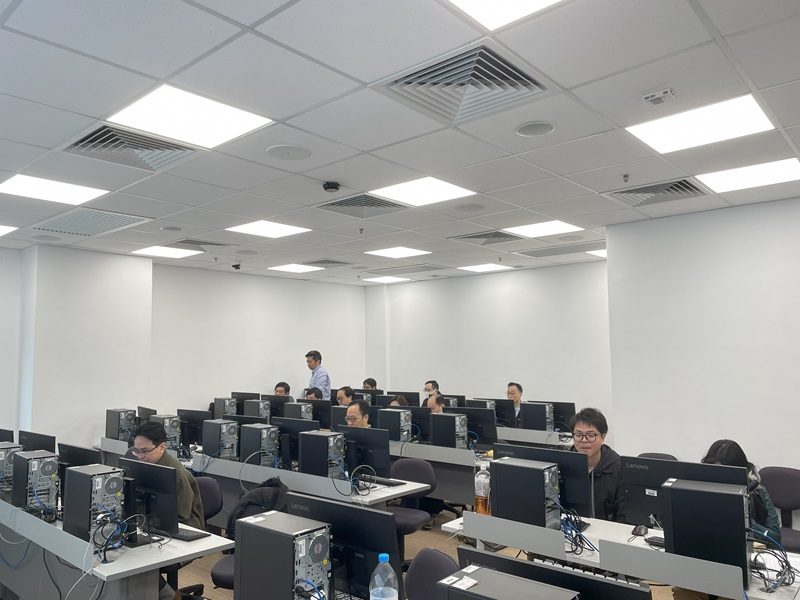
7 January, 2026Introduction to Microsoft Copilot: Training Workshop for Administrative Users - Part 1 (Cantonese Session)
19 December, 2025Introduction to Microsoft Copilot: Training Workshop for IT Users (Cantonese Session)
30 October, 2024"HKMU Copilot Workshop" for Pilot Run Users (Cantonese Session)

Top 10 Copilot Features

Microsoft 365 Copilot offers powerful features to enhance productivity, including quick email summarization, task prioritization, and follow-up suggestions to help you stay organized. It generates meeting recaps, drafts emails and provides data insights for informed decision-making.

Recap a Meeting

Generates a summary of the key points and discussions that took place during the meeting.

Summarize an Email

Review the entire conversation and provide a concise overview of the key points discussed.

Draft Email

Creates a complete or partial email based on the guidelines

Summarize a Document

Reads through the content and provides a brief overview of the main ideas, key points, and essential details.

Tell me about a Topic

Gathers relevant information from various sources like documents, emails, meeting notes, and other data within your Microsoft 365 environment

Boost your Creativity

Offer creative ideas, alternative approaches, or fresh perspectives

Jumpstart Creativity

Providing more suggestions and ideas based on your current work or project.

Copilot Do the Research

Microsoft 365 Copilot can assist with research by quickly gathering and summarizing relevant information from various sources.

Revise the Content

When you use Copilot to revise a document, it analyzes the text and offers edits to enhance readability, correct grammar or spelling errors.

Translate a Message

Copilot can translate your message, making it easier to understand and respond effectively.

Enquiry

ITO Hotline for Students

ITO Hotline for Staff

Other AI Services Provided by ITO