
This website uses cookies so that we can provide you with the best user experience possible. Cookie information is stored in your browser and performs functions such as recognising you when you return to our website and helping our team to understand which sections of the website you find most interesting and useful.
Font Size:
Introduction
Key Features
Uniqueness
Frequently Asked Questions
Open-Source?
Registration Needed?
Installation Required?
AI-empowered?
Specifications
URL:
Country or Region:
Author(s):
License:
Operating System(s):
Language(s):
Registration Needed:
Installation Required:
Video Demonstration
User Guide
This guide outlines how to use an AI-powered search engine to find and synthesise findings directly from scientific research.
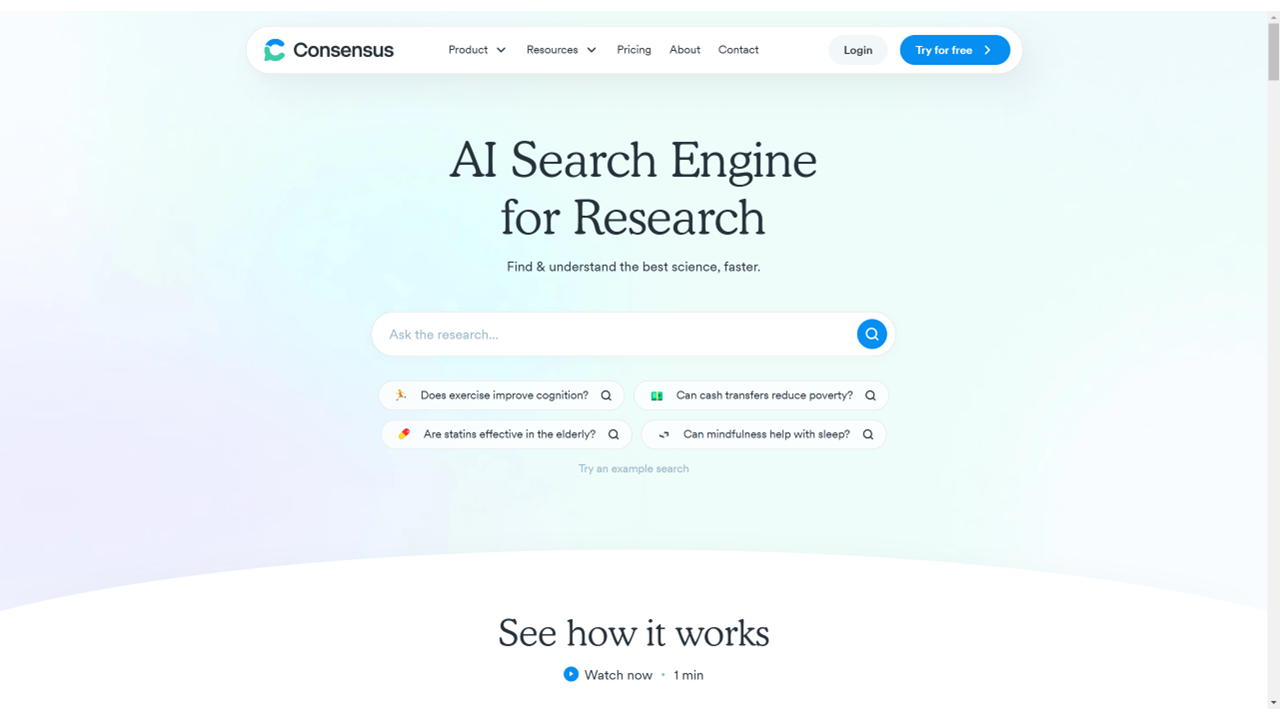
Access Consensus Website
| a. | Navigate to the website: https://consensus.app/; |
| b. | Click the Sign up or Sign in button; |
| c. | Select your preferred login method: Google account, Facebook, or email. |
Summarise Research Topics
| a. | Input your query in the form of a question or keywords into the main search bar; |
| b. | Click the Pro button in the bottom-left corner of the search bar; |
| c. | Select the search mode: Quick, Pro, or Deep (Note: Free plan users can use 10 Pro Analyses per month); |
| d. | Click the Filter button in the bottom-right corner of the search bar; |
| e. | Set filters for publication year, number of citations, journal ranking, or research domains; |
| f. | Click the Search button to initiate the analysis; |
| g. | Review the AI-generated summary at the top of the results page; |
| h. | Scroll down to the Results section; |
| i. | Click the Study Snapshot button to extract key information from each study (Note: Free plan users can view 10 Snapshots monthly); |
| j. | Construct a yes/no query to enable the Consensus Meter function (Note: The Consensus Meter provides a visual representation of study findings for yes/no questions). |
Export Summarised Results
| a. | Click the Share button to copy a share link to your clipboard; |
| b. | Click on a paper's title to view more details; |
| c. | Click the Full Text link to access the original publication; |
| d. | Click the Study Snapshot button for a structured overview of a study; |
| e. | Click the Cite button to copy citations in various formats; |
| f. | Click the Export button to download search results as RIS or CSV files; |
| g. | Click the Save button on a paper's entry to add it to a custom list for future reference. |
Educational Scenarios
Educators' Perspectives
Learners' Perspectives