
This website uses cookies so that we can provide you with the best user experience possible. Cookie information is stored in your browser and performs functions such as recognising you when you return to our website and helping our team to understand which sections of the website you find most interesting and useful.
Font Size:
Introduction
Key Features
Uniqueness
Frequently Asked Questions
Open-Source?
Registration Needed?
Installation Required?
AI-empowered?
Specifications
URL:
Country or Region:
Author(s):
License:
Operating System(s):
Language(s):
Registration Needed:
Installation Required:
Video Demonstration
User Guide
This guide outlines how to use the Citation Tree tool to generate and explore visual maps of academic citations from a specified article's DOI.
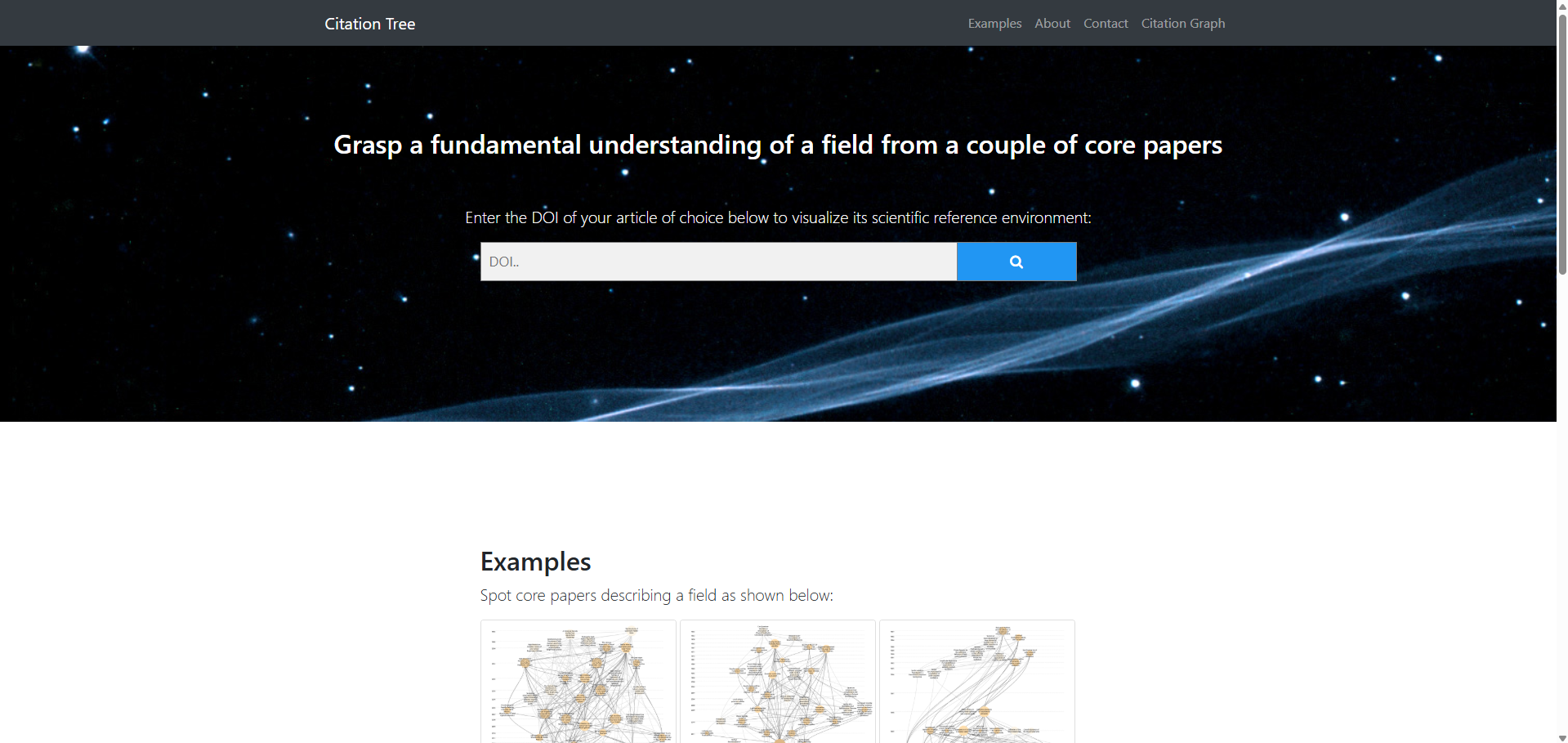
Access Citation Tree Website
| a. | Navigate to the website: https://www.citationtree.org/ (Note: No login or account registration is required to use this tool). |
Visualise Academic Citation Trees
| a. | Locate the input field labelled "Enter the DOI of your article of choice below to visualize its scientific reference environment"; |
| b. | Type or paste the Digital Object Identifier (DOI) of the article you wish to analyse; |
| c. | Click the Search button to the right of the input field; |
| d. | Wait for the tool to generate the citation tree; |
| e. | Observe the chronological organisation of the citation tree from top (older papers) to bottom (more recent papers). |
Explore Chronology of Citations
| a. | Identify the nodes representing specific academic papers in the citation map (Note: The colour and position of the nodes indicate their relationship to the initial article: darker nodes represent a closer citation relation); |
| b. | Right-click on a citation node to explore a specific paper; |
| c. | Select Open link in new tab from the context menu to navigate to the original publication's webpage; |
| d. | Scroll down to locate the export options at the bottom left of the visualisation; |
| e. | Click the Export as SVG button to save the tree as a scalable vector graphic image; |
| f. | Click the Export as RIS button to download the citation data in a format compatible with most reference management software; |
| g. | Click the Export as BibTeX button to download the data in the BibTeX format. |
Educational Scenarios
Educators' Perspectives
Learners' Perspectives