
This website uses cookies so that we can provide you with the best user experience possible. Cookie information is stored in your browser and performs functions such as recognising you when you return to our website and helping our team to understand which sections of the website you find most interesting and useful.
Font Size:
Introduction
Key Features
Uniqueness
Frequently Asked Questions
Open-Source?
Registration Needed?
Installation Required?
AI-empowered?
Specifications
URL:
Country or Region:
Author(s):
License:
Operating System(s):
Language(s):
Registration Needed:
Installation Required:
Video Demonstration
User Guide
This guide outlines how to install Anytxt Searcher, search for file content, customise search preferences, and use advanced search operators. (Reference Version: 1.3.2011)
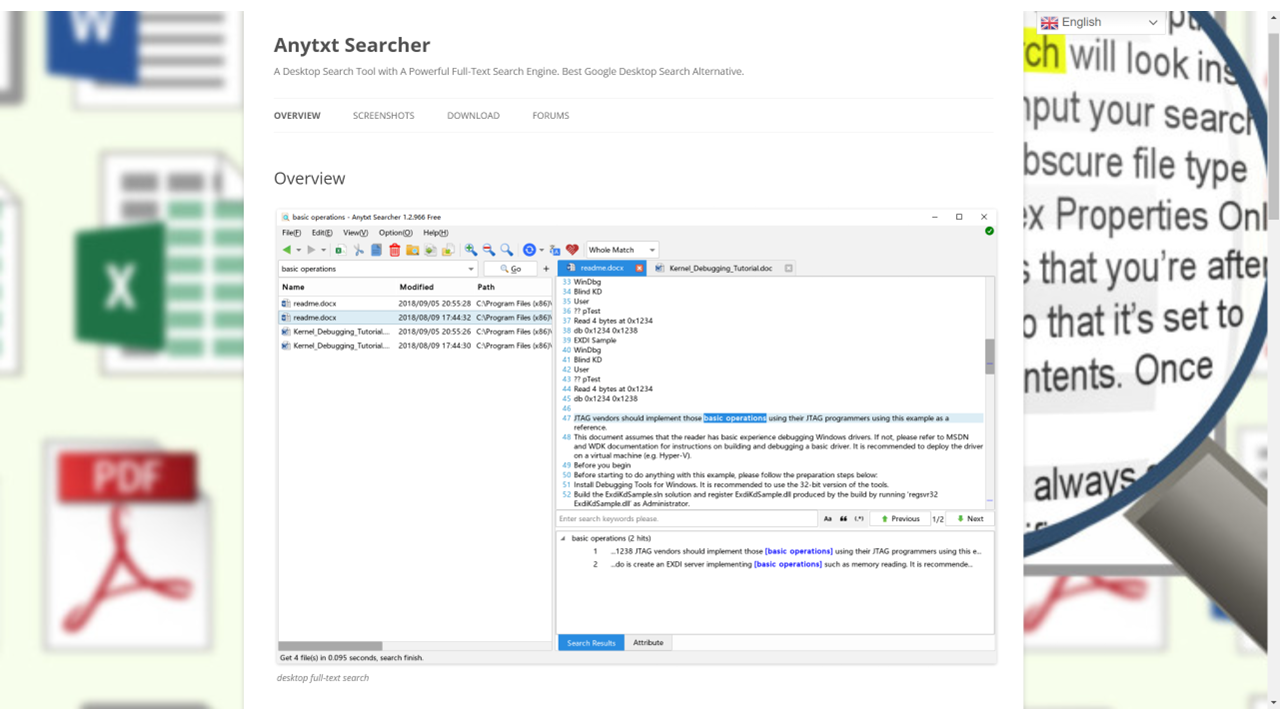
Download and Install Anytxt Searcher
| a. | Navigate to the website: https://anytxt.net/download/; |
| b. | Select the installer version that matches your operating system; |
| c. | Run the installer and follow the on-screen instructions to complete the installation; |
| d. | Launch the Anytxt Searcher software. |
Search File Contents
| a. | Open the Anytxt Searcher application; |
| b. | Enter your desired keyword or phrase in the Search Bar; |
| c. | Click the Path dropdown to specify the search location; |
| d. | Select a file type from the Type(s) dropdown to filter the search; |
| e. | Click the Go button to initiate the search; |
| f. | View the search results in the lower pane; |
| g. | Click a file in the results list to preview its content; |
| h. | Double-click a result to open the document in its default viewer. |
Customise Search Preferences
| a. | Click Options and select Search Wizard; |
| b. | Enter keywords to be included in the Include Words field; |
| c. | Enter terms to be excluded in the Exclude Words field; |
| d. | Click the Go button to apply the filters; |
| e. | Click the Excel icon to export the results. |
Use Advanced Search Operators
| a. | Use the following operators in the Search Bar to refine your search: &(AND), | (OR), !(NOT), ( ) (Grouping), and " " (Exact match); |
| b. | Enter your search query using these operators; |
| c. | Click the Go button or press Enter to execute the search. |
Educational Scenarios
Educators' Perspectives
Learners' Perspectives