Note: You must have a personal account before accessing the Mobile App.
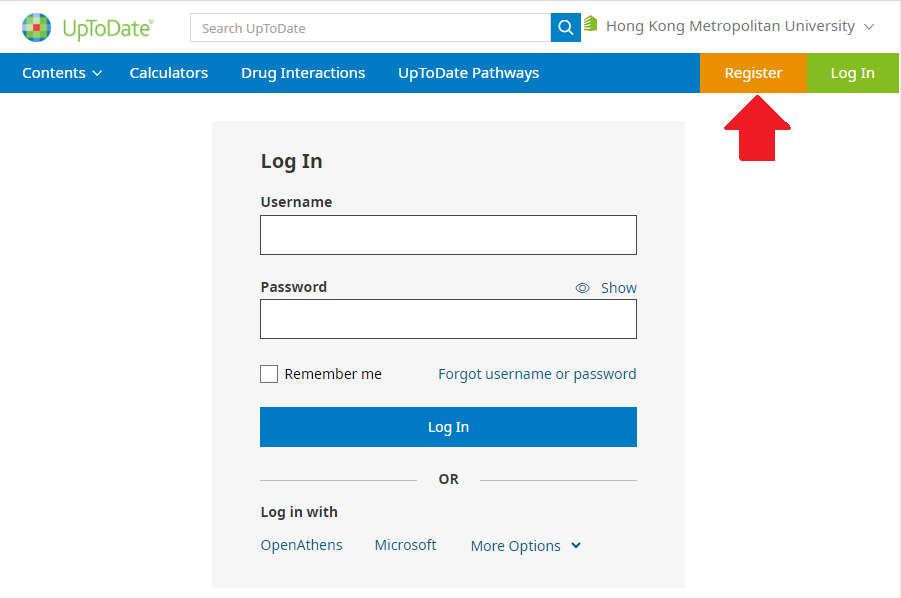
3. Fill out the registration form.
Please contact Library staff at 2768-6777 or email to
libwww@hkmu.edu.hk for assistance.

4. Complete the form, then click "Send Verification Code". A code will be sent to the registered email for email verification.

5. Enter the code you received in the email, then click "Submit Verification Code".


6. You have created an account successfully.

7. In order to maintain uninterrupted access to UpToDate, you are required to re-verify your affiliation every 90 days.
Note: In-application notice (mobile app) and email will be sent to you by day 80
for account re-verification.
8. To re-verify, log in to UpToDate with your username and password.
